Max - Olympic Details Page
Redesigned the event details page experience for the 2024 Paris Olympics, preparing Max for millions of viewers and European market expansion.
Almost immediately following the launch of Max in 2023, we pivoted our attention to making strategic improvements to the app to support the 2024 Paris Olympics and the concurrent expansion to 25 European markets.
Role
Product Design Manager: Strategy development with product partners, design execution, cross-functional collaboration with the IOC, ideation facilitation, and engineering partnership reviews.
The redesign addressed strategic improvements following Max's 2023 launch, preparing the app for the 2024 Paris Olympics and European market expansion with millions of expected viewers. The goal was to create an event details page that was clear, action-oriented, and extensible across content types.
In a Nutshell
Most Fun
Collaborating on a high-profile project with compressed timelines involving IOC branding requirements and unified visual language development.
Biggest Challenge
Scoping realistic improvements within timeline constraints while deprioritizing promising secondary features.
In Retrospect
Would have integrated more deeply into branding discussions despite being outside typical feature manager responsibilities.
Customer Impact
- New schedule ingress generated millions of weekly clicks
- Combined Live/Upcoming events reduced user frustration (confirmed via post-launch surveys)
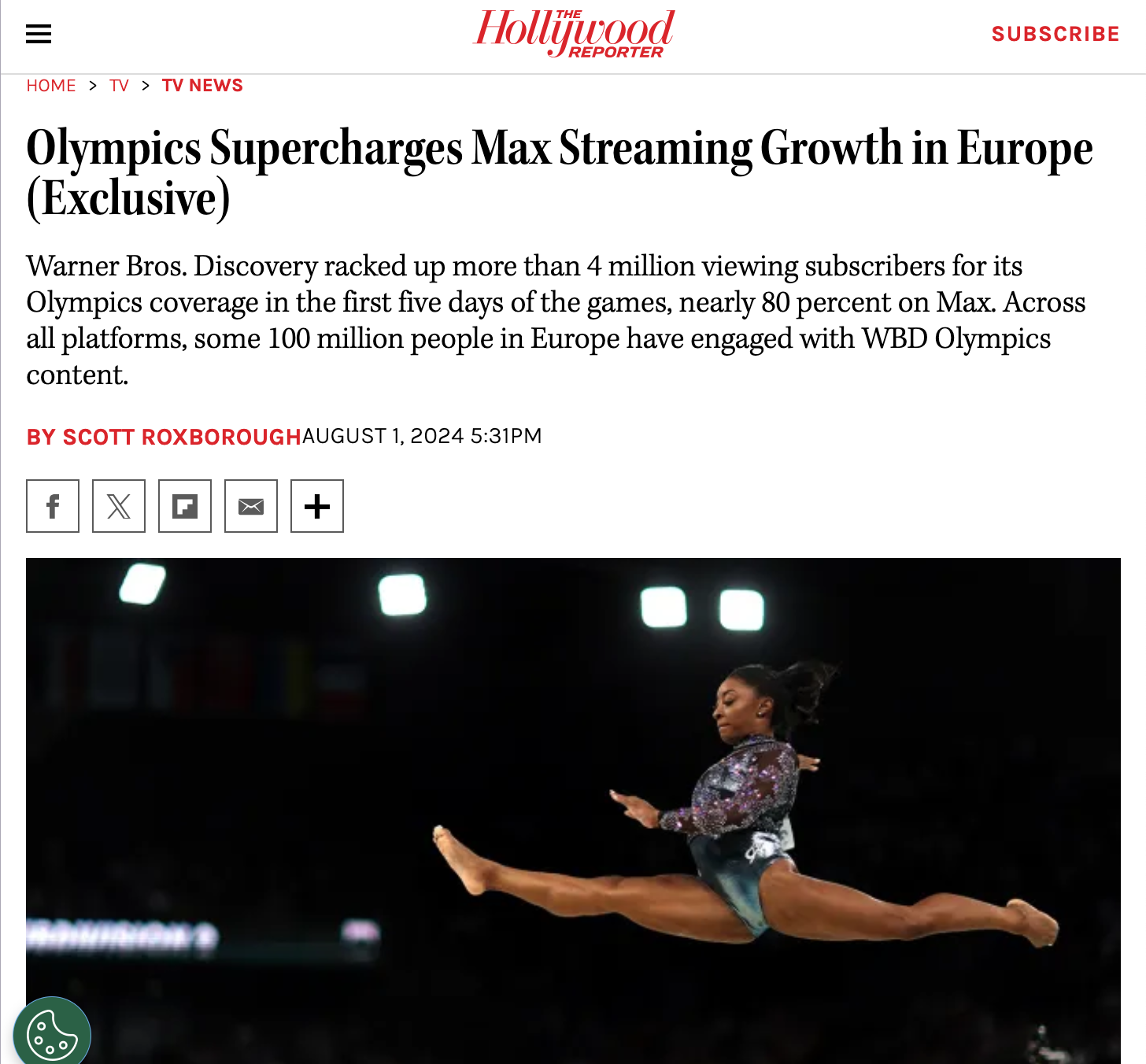
- Drove new subscriptions exceeding entire 2020 Olympic Games totals in just 4 days
User Needs and Feature Ideation
We had been working on the EDP for long enough to understand the constraints we were working within. The early weeks of the Olympics project were spent learning about the specific needs of Olympics viewers and exploring improvements that would support these users as they considered the large number of events we would be carrying. Simultaneously, we were working with the IOC to understand the specific branding requirements and prohibitions and with other teams within Max to understand how the end-to-end experience would come together.
Ultimately, we landed on the following goals to guide our work:
Clarity: How might we design/improve the EDP so that the most important details are immediately decipherable with a natural flow from highly important information and actions to deeper details and secondary actions?
Continuity: How might we make landing on the details page feel like the natural progression in the journey with paths to further exploration when desired?
Action: How might we make the design reflect the energetic nature of live events and provide minimal friction between landing and taking positive action (Playback, Adding to List, Sharing, etc.)?
Extensible and Inclusive: How might we ensure our components are adaptable and relevant for all content types, not just sports and that our experience is inclusive for all Max users?
From this, we decided to focus on a few key improvements that would help users understand what an event was and when it would air, and how to quickly find and save other events of interest.
Streamlined Page Design
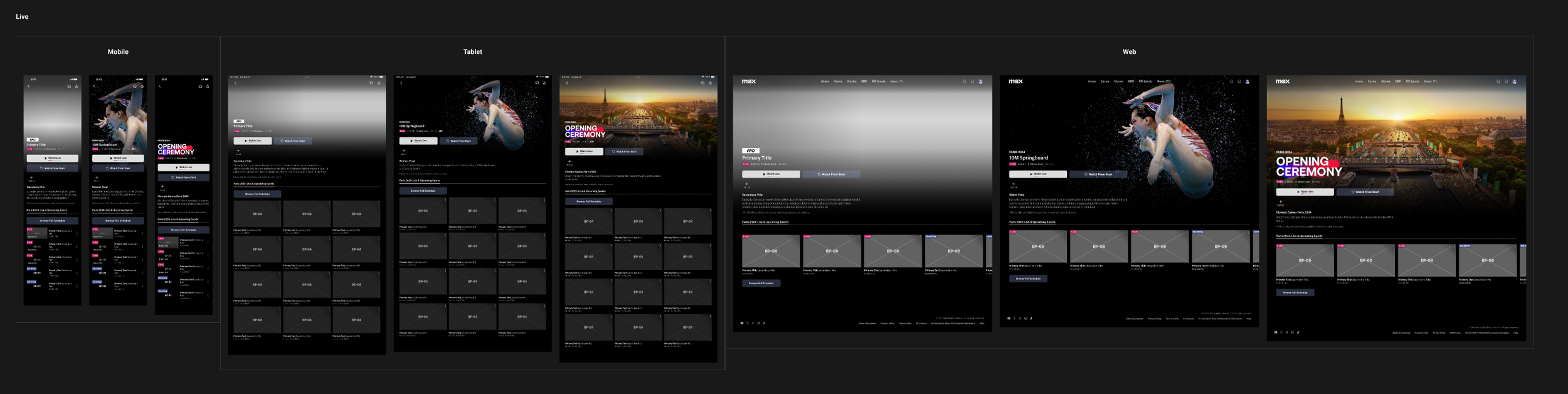
We had an opportunity to really simplify our pages through improved metadata display and reduced decision points. We made our metadata more appealing through logo treatments (Olympic branding and event-specific logos where available), cleaned up our badge+timestamp lockup, and added an indicator for Medal Events to signify an event's importance.
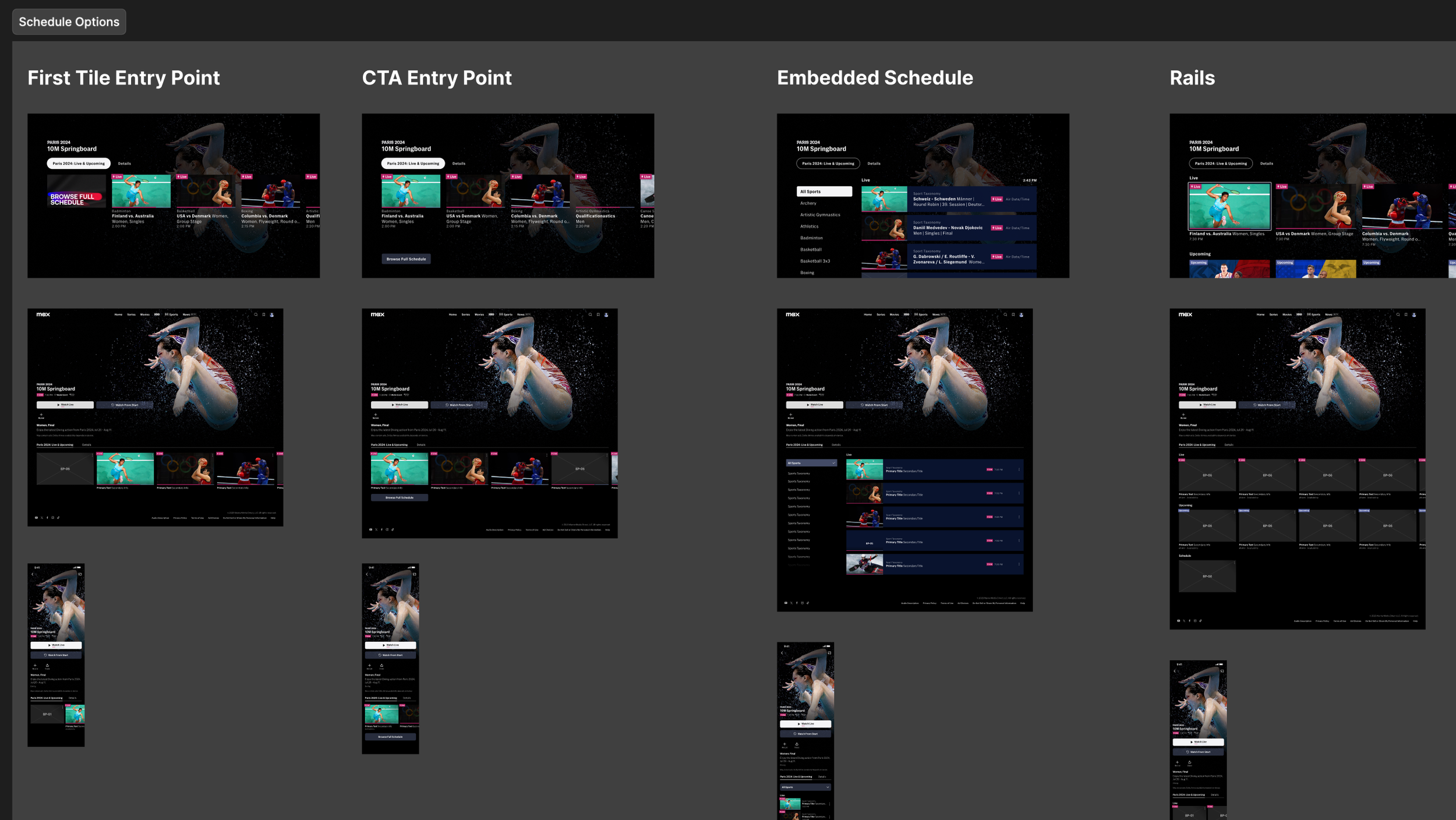
The Olympics provided an opportunity to streamline the browsing path to a single tab sorted chronologically with all Live and Upcoming events. This created a one-click path to view and add Olympic events.
Quick Path to Full Schedule
Max was going to launch a new sport schedule alongside our work, and our user research suggested that the detail page was among the most important places for accessing it. We explored multiple placements and visual treatments and pathing that allowed us to take users to the Olympic Schedule from Olympic events, and to the standard Sport Schedule from non-Olympic events.
Final Design
The final design successfully positioned Max as a major international streamer. The event details page generated strong engagement with high traffic to the new schedule access features.