Puzzle Counter Pt 1: Gathering the Pieces (Wireframes, Structure, Layout)
Tools
For this initial phase, I tested multiple wireframing tools: two general LLMs (Claude and ChatGPT) and one design-specific platform (UX Pilot). The goal was to evaluate how well each could handle layout, page flows, and interactive elements using ASCII wireframes—a technique learned from design industry resources.
ChatGPT (Version 5)
First Impression: The least sophisticated of the three, lacking navigation and thoughtful layout details. However, it successfully identified core elements and general page hierarchy.
Claude (Sonnet 4)
First Impression: Considerably superior to ChatGPT, with better ASCII layouts and navigational elements that communicated how the entire app would function.
UX Pilot (Standard Model - May 2025)
First Impression: More visually refined than the LLMs, though design substance matched or underperformed compared to them. Required manual specification of app type rather than inferring from context.
Process
Step 1: Initial Prompts
The same foundational prompt was used across all three tools:
"Can you create ascii wireframe flows for a mobile app that will take pictures of puzzle pieces to count them to ensure the puzzle is complete..."
Key evaluation criteria included identifying user needs, organizing features into appropriate hierarchy, and developing coherent app structure. Output was surprisingly competitive across all three systems—comparable to one or two weeks of junior designer work, delivered in approximately one minute.
Home Screen Analysis: Each created serviceable starting points, though requiring refinement for natural, welcoming experiences.
Loading/Analyzing Screens: ChatGPT's version provided minimal user feedback and no exit mechanism. Claude and UX Pilot communicated progress clearly with available escape routes.
Results Pages: Each prominently displayed the count as the primary feature. Variations included UX Pilot's extraneous metadata, Claude's share functionality, and ChatGPT's save and missing-pieces features without logical entry points.
Image Capture Screens: Generally workable across all three, though lacking meaningful visual feedback about image suitability for accurate counting.
Error Handling: UX Pilot's consolidated error screen approach seemed more realistic than discrete error pages for each issue type.
Real-Time Counting Exploration
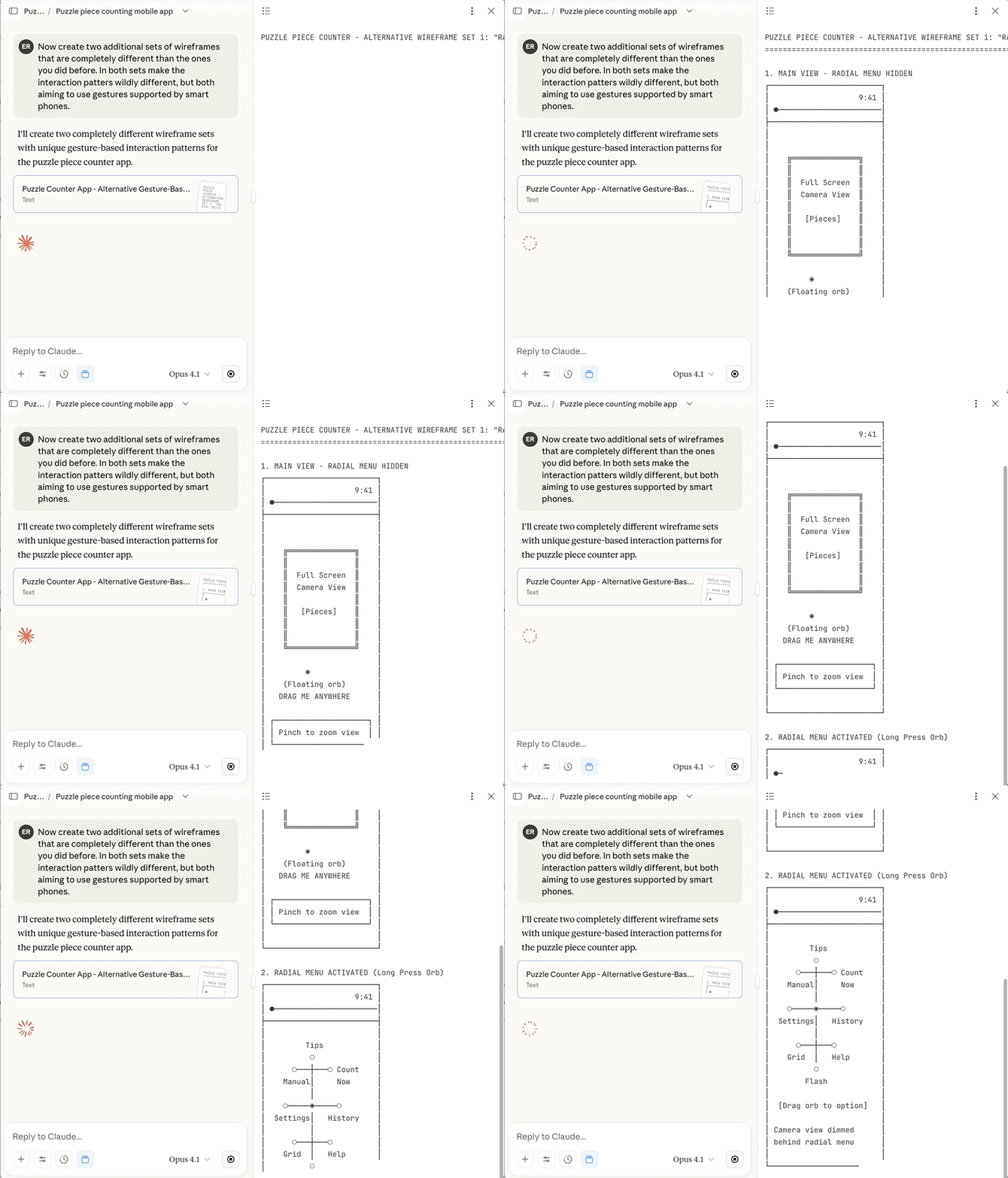
Both Claude and ChatGPT were prompted to revise designs for real-time counting functionality. Both integrated explicit overlays highlighting detected pieces and added count-locking mechanisms. However, structural improvements were minimal. After consideration, I determined that snapshot-based counting was superior due to usability concerns with tremors or wrist stability issues.
Step 2: Review and Markup
Outputs were imported into Figma for detailed analysis of strengths, weaknesses, and elements worth advancing versus modifying. This review process resembled peer critique with junior colleagues.
I noted: "In a real scenario when working with a team, I would operationalize this by having a more junior designer go through some iterations with the AI tool, then have the interactive conversation with them about how they got to where they got to and then review the results together."
When prompted to explain design rationale, the LLMs provided impressive articulation of user value and purpose at both page and element levels. Examples demonstrated solid understanding of user behavior, though some features (like history tracking) suggested overestimated app engagement depth.
Step 3: Re-Prompt and Refine
Claude received simplification requests; ChatGPT was asked to improve cohesion and add navigation. Results were mixed—Claude delivered on targets, ChatGPT made minimal changes despite explicit navigation requests.
Conclusion
I'm expressing significant enthusiasm for AI's evolution in design capability since previous testing months earlier. LLMs demonstrated strong ability to identify required elements, articulate hierarchy, and handle systematic design thinking.
Key observations: Most issues resembled common junior designer mistakes—feature bloat and overestimating app primacy rather than focusing on core functions.
I anticipate incorporating these tools for early-stage design, particularly wireframing. Claude appears optimal for systematic design, while UX Pilot's design tool integration may offer advantages for subsequent development phases. The practical question remains balancing prompt-driven refinement against manual design effort needed for higher-fidelity outputs.